November marks the start of the new CPD year and ICAEW members that have logged into their digital record or used the AddCPD tool will have spotted some updates to help make keeping track of their professional development easier.
New CPD year – new CPD category?
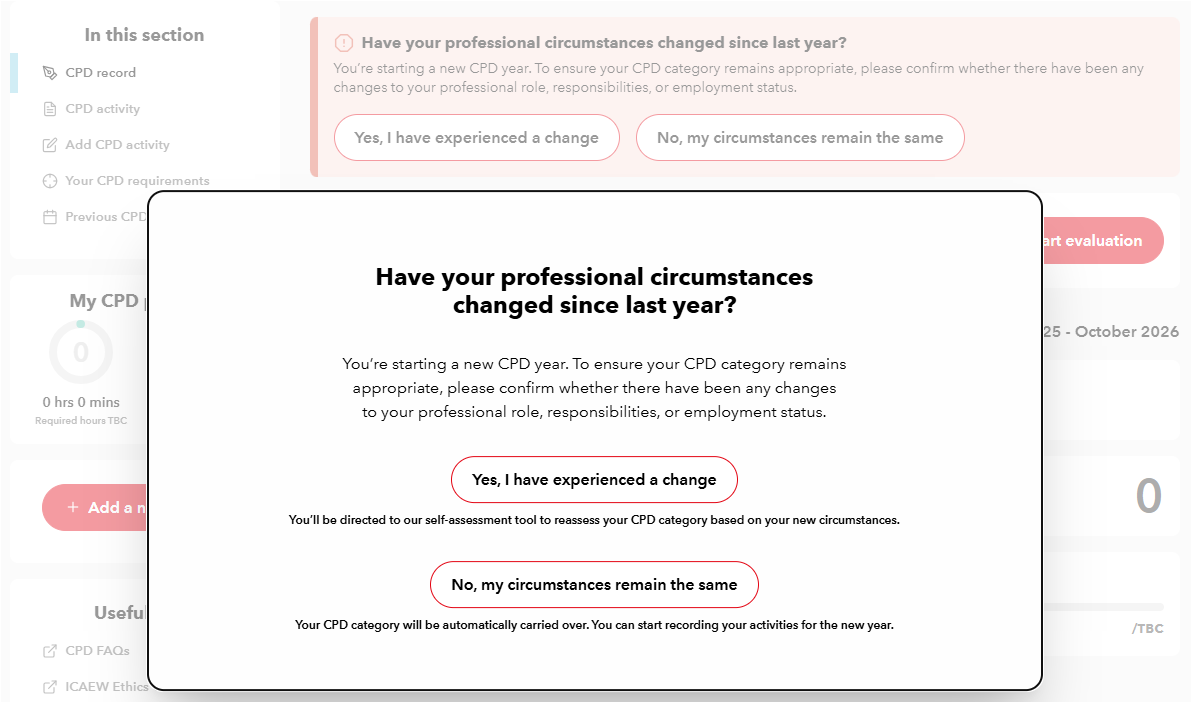
The most obvious change that many members returning to the record will see is a pop up asking whether anything has changed in your professional role (see below).
The box will appear if you added a CPD category into the record the previous year and means that rather than having to manually add your CPD category again, if your circumstances haven’t changed then you can just confirm that. This will mean the previous year’s CPD category will be applied to this year’s record and all your activity trackers will be updated automatically.
If something has changed, then you can complete the CPD assessment tool and apply a new category if needed.
If you don’t confirm a CPD category in your record, then you won’t be able to see how you are progressing against your mandatory CPD requirements throughout the year.
Drag and drop your evidence
The biggest change that has been made to the record is to make it easier to upload verifiable evidence for CPD activities.
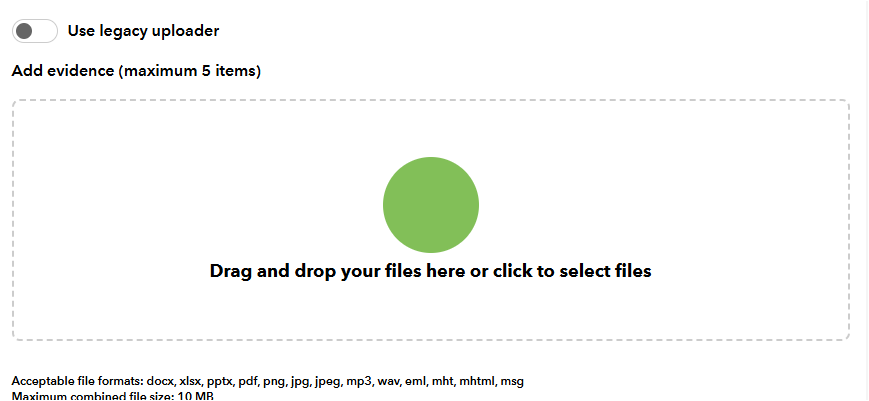
Following feedback from members, you now have the option to simply drag and drop files into your record when you’re adding evidence to an activity (see below). Members who want to continue selecting individual files from their device can continue to do as they did previously by simply chosing the ‘use legacy uploader’ option.
Whatever evidence loader works best for you the requirements remain the same, there’s a maximum of five items and a maximum combined file size of 10MB. Accepted file formats are:
- email formats (eml and msg);
- Word documents (docx);
- PowerPoint presentations (pptx);
- PDFs;
- Excel sheets (xlsx); and
- images (png, jpg, jpeg).
Save time when creating CPD activities
Members have told us that for elements of their CPD they are completing similar activities to those that they have added to their record previously.
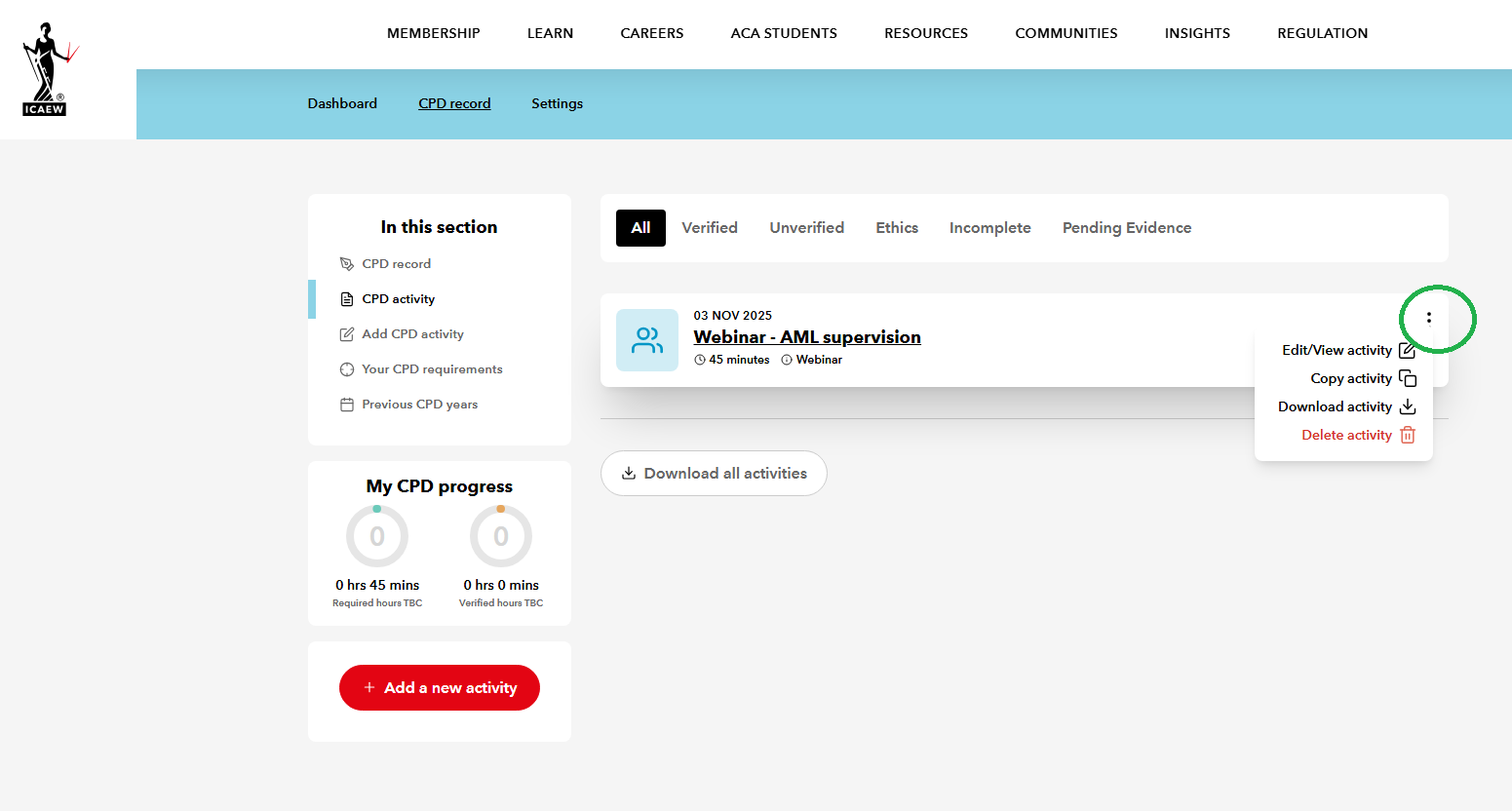
To help speed up recording these new activities, you now have the option to copy an existing manually created activity and update the information. Simply chose the “copy activity” button in the right-hand menu (see below) and a new duplicate activity will be created.
You will have to add the time taken, the date the activity was completed and upload new documents (if needed) and can then update the title and the information on what the activity was, why you completed it and what you learned.
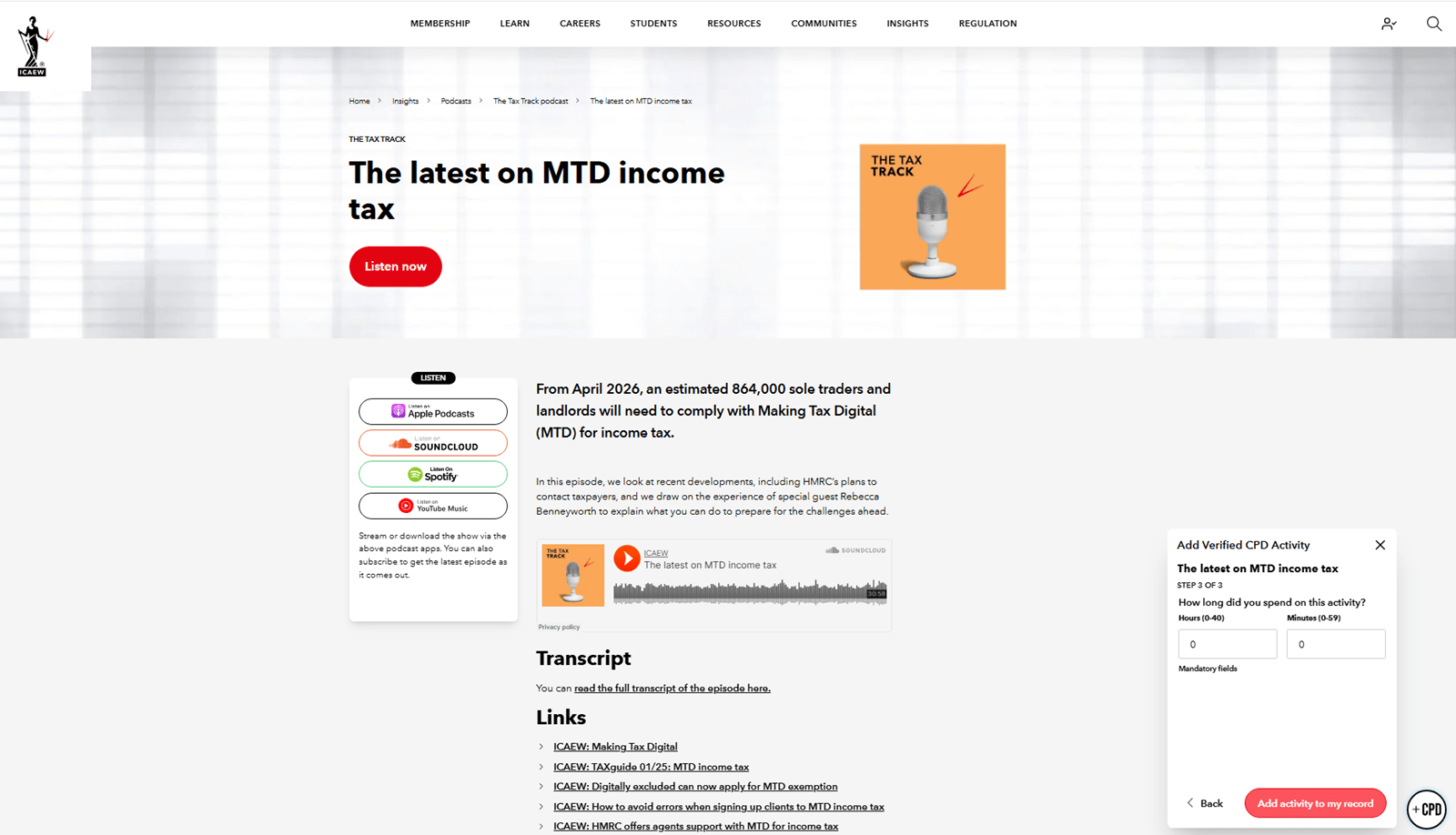
Another change to help speed up the creation of activities in the record is how the ‘time taken’ is recorded. The drop down options for ‘hours’ and ‘minutes’ has been removed and you can now simply type in a number.
New for this CPD year, you can now include information on the specific training providers you are using for professional development. While prevously you could only state that an activity was from a training provider, a new field allows you to include their name, so you have a record for the future.
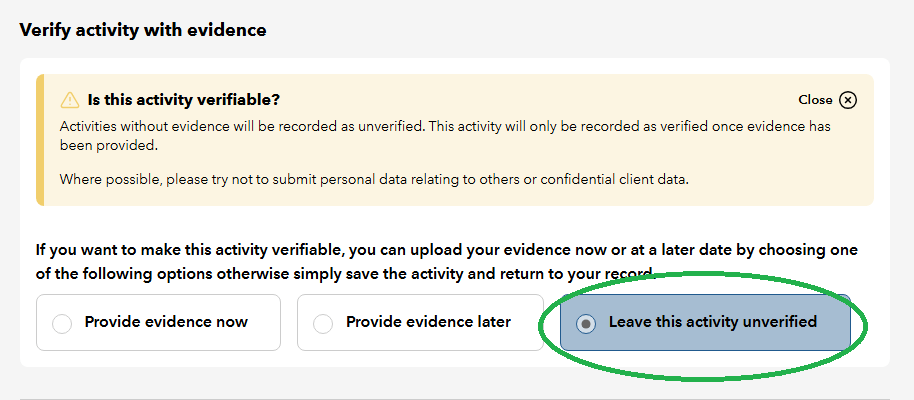
Finally, following member feedback, for activities where you are not providing verifiable evidence you can now choose the ‘leaving unverified’ option when creating an activity. This confirms that an activity is saved without evidence.
Exemption statement download options
For those exempt from CPD requirements for a whole, or part of, a CPD year, an exemption statement is required.
The digital CPD record now enables these members to download a PDF version of the exemption statement, as can be done with other elements of the record, such as the reflective statement.
This means you can now write this statement once and access it in a format that you can easily share with your employer.
Updates to AddCPD tool
Alongside updates to the digital CPD record itself, there have been changes to how the AddCPD tool functions to align it with the main record and better reflect how members are using it.
For example, often members are making notes on what they’re learning from the content in the tool while they are engaging with the page. This being the case it made sense to reorder the questions being asked via the tool, so now the time taken is the last thing to confirm before adding an activity to your CPD record.
There are also no longer mandatory fields when using the widget – reflecting what happens when you create an activity manually in the record. This means if you are short on time you can quickly add a page to your record and update fields later.
There have also been updates to the AddCPD tool that will mean that if there’s an issue and the webpages closes or you navigate away from the page, any information you’ve added to the tool will remain. This means you won’t have to remember and retype your notes if you’re suddenly called into a meeting or lose signal on the train.
Using your CPD record
More support on the ICAEW digital CPD record and other digital tools to help members monitor and record their professional development.

You may also be interested in
ICAEW JOBS

Make your next move
Exclusive to ICAEW members, ICAEW Jobs is a vacancies website solely for ACA-qualified chartered accountants. Take the next step in your career with top employers.
Find your ideal roleSupport

Your guide to CPD
Support and guidance on ICAEW’s CPD requirements, including how to identify your category and how to record your CPD.
Find out moreICAEW support

Training and events
Browse upcoming and on-demand ICAEW events and webinars offering support on technical areas, such as assurance, reporting and tax, as well as personal development.
Events and webinars A-Z of courses